Many people would like to receive elementary support from their readers for an article they have written for them.
But also vice versa. Lots of people think of an author as just that.. and want to support them for a variety of reasons.
There are various insanely complicated banking products for that, which require setting up a bank account on the author’s side (where the money isn’t his anyway — because they are banks, so it’s also a custodial service ) and on the payer’s side handling the card or account .. logging into IB, scanning the card, writing the code, verifying.. well just “hassle”.. the author would rather shit on it.
But… what does HYDRA have to say ?
Classic.. just like any other client you sign up… click on the picture…
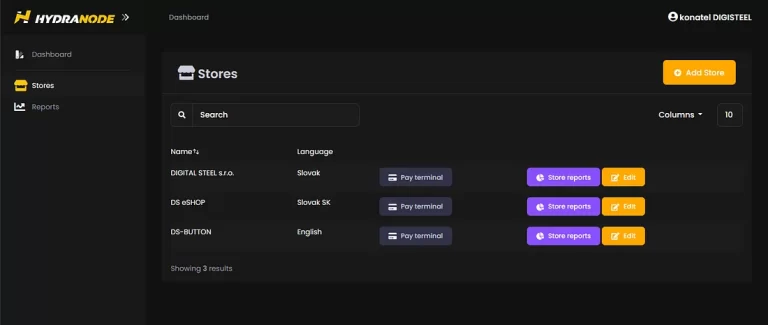
As soon as I’m logged in , I click Stores>Add Store and make a new Terminal:
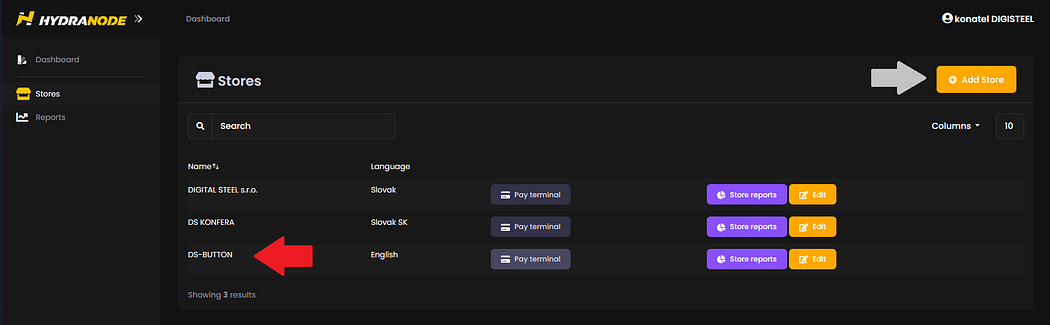
I click on EDIT and I put the Name with the name for example DS-BUTTON
and find the BTCPAY ID assigned there:
cWvzbqVxqXSCZdCRXYJoWCm4zKSoMSGfyX6skNnXq1F
I send these two data to the Operator at Signal +421 917 617187 with the request “Hi Operator, I want a DONATION BUTTON”
and… I’m waiting for the operator who does the “abraka-dabra”…
done… the operator sends me a button which I place on my page…
and sends me a link where the client should be redirected when he clicks on the button:
alternatively you can load the image directly from HYDRA :
<img src=”https://management.hydranode.net/logos/pay-button.png“ style=”width:209px” alt=”Pay with Hydranode”>
the whole HTML tag looks like this:
<a href=”https://hydranode.org/btcpay/api/v1/invoices?storeId=cWvzbqVxqXSCZdCRXYJoWCm4zKSoMSGfyX6skNnXq1F&checkoutDesc=medium+donation&price=0.5¤cy=EUR„>
<img src=”https://management.hydranode.net/logos/pay-button.png“ style=”width:209px” alt=”Pay with Hydranode”>
</a>
you can adjust the description, amount and menu yourself if you want, if it does not suit you, or you can tell the operator again.
Anyone clicks on the button, the terminal opens and the satoshis flow into your account for you…
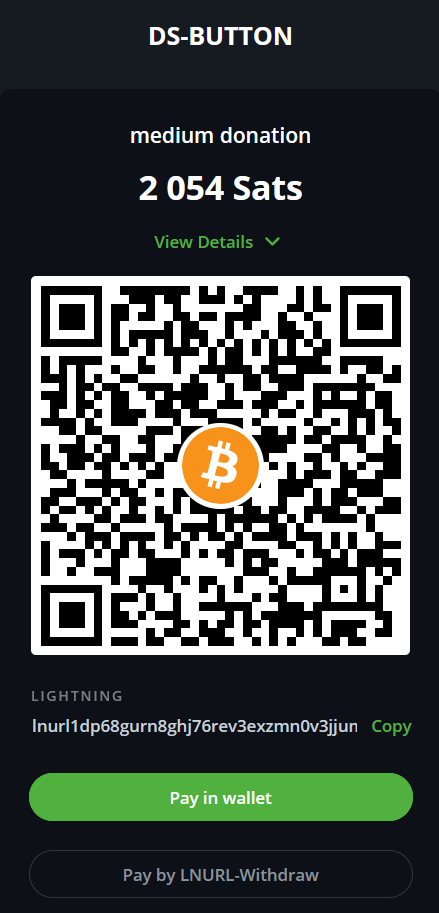
The rate is set automatically, the SATs go to your HYDRA account where you only check the balance via management and consider when to have it paid.
But if you are already using a system, e.g. here on MEDIUM or on a blog, you just assign a link to the object that the reader should click on.
You can see the result here :
Original Link: